Finding the right apartment in Boston means thinking about more than just square footage and monthly rent. In 2026, reliable high speed internet has become just as important as heating, water, and any other basic utility. Whether you work from home, stream entertainment, attend virtual classes, or simply want a connected lifestyle, your internet provider can make or break your Boston apartment experience. This guide breaks down everything you need to know about internet service options across Boston neighborhoods, helping you make a smarter decision before signing any lease.
Boston Renter Intelligence Survey
How does your rent compare?
Add your numbers and get an instant read on what share of your income goes to rent, measured against what Boston renters actually report. You will also get the Q3 report free on October 7.
See how your rent compares →Why Internet Access Matters More Than Ever in Boston Apartments
Boston has evolved into one of the most digitally connected cities in the entire United States. With a massive concentration of tech companies, universities, hospitals, and remote workers, the demand for fast and reliable internet has never been higher. The city consistently ranks among the top metro areas for remote work adoption, and that trend continues to grow heading into 2026.
When you are apartment hunting in Boston, the available internet providers in a specific building or neighborhood should absolutely be part of your checklist. Some older buildings in neighborhoods like Beacon Hill or the South End have infrastructure limitations that restrict which providers can serve residents. Newer developments in Seaport or East Boston typically offer more options and faster connection speeds.
Before you commit to any lease, take the time to verify internet availability at the exact address. You can also use the Boston Neighborhood Finder to explore which areas offer the best combination of housing options and connectivity infrastructure, giving you a complete picture of life in each part of the city.
The Top Internet Providers Serving Boston Apartments in 2026
Boston renters have access to several major internet service providers, each with different coverage areas, speed tiers, and pricing structures. Understanding the landscape helps you negotiate better and avoid unpleasant surprises after moving in.
Xfinity by Comcast
Xfinity remains the dominant cable internet provider across most of Boston. Their network covers nearly every major neighborhood, from Allston and Brighton to Dorchester and Jamaica Plain. In 2026, Xfinity offers download speeds ranging from 75 Mbps on their entry level plan all the way up to 2 Gbps on their premium tier. For most Boston renters working from home or streaming 4K content, their 400 Mbps or 800 Mbps plans offer the best balance of performance and price.
One important consideration is that Xfinity typically requires a coaxial cable connection, so older apartment buildings may need infrastructure upgrades before installation is possible. Always confirm with your landlord whether the building is already wired for Xfinity service before including it in your move in plans.
Verizon Fios
Verizon Fios uses a 100 percent fiber optic network, which makes it one of the most desirable options for Boston renters who need consistent speeds and low latency. Fiber internet offers symmetrical upload and download speeds, which is a major advantage for video calls, content creators, and anyone who regularly uploads large files.
Fios coverage in Boston has expanded significantly over the past few years, and in 2026, large portions of East Boston, Charlestown, and parts of South Boston now have access to Fios service. If your building is located within the Fios footprint, it is generally considered the gold standard for apartment internet in Boston.
RCN by Astound
RCN serves several Boston neighborhoods and is a strong competitor to Xfinity in areas where both providers overlap. Many renters prefer RCN because of its competitive pricing and generally favorable customer service reputation. Their plans offer speeds up to 1 Gbps, and they frequently run promotional rates for new customers signing up in eligible buildings.
RCN is particularly well represented in neighborhoods like Allston, Cambridge adjacent areas, and parts of the Fenway district. If you are comparing providers in these areas, getting a quote from RCN alongside Xfinity is a smart move that could save you a meaningful amount over the course of a year.
T Mobile and Verizon Home Internet
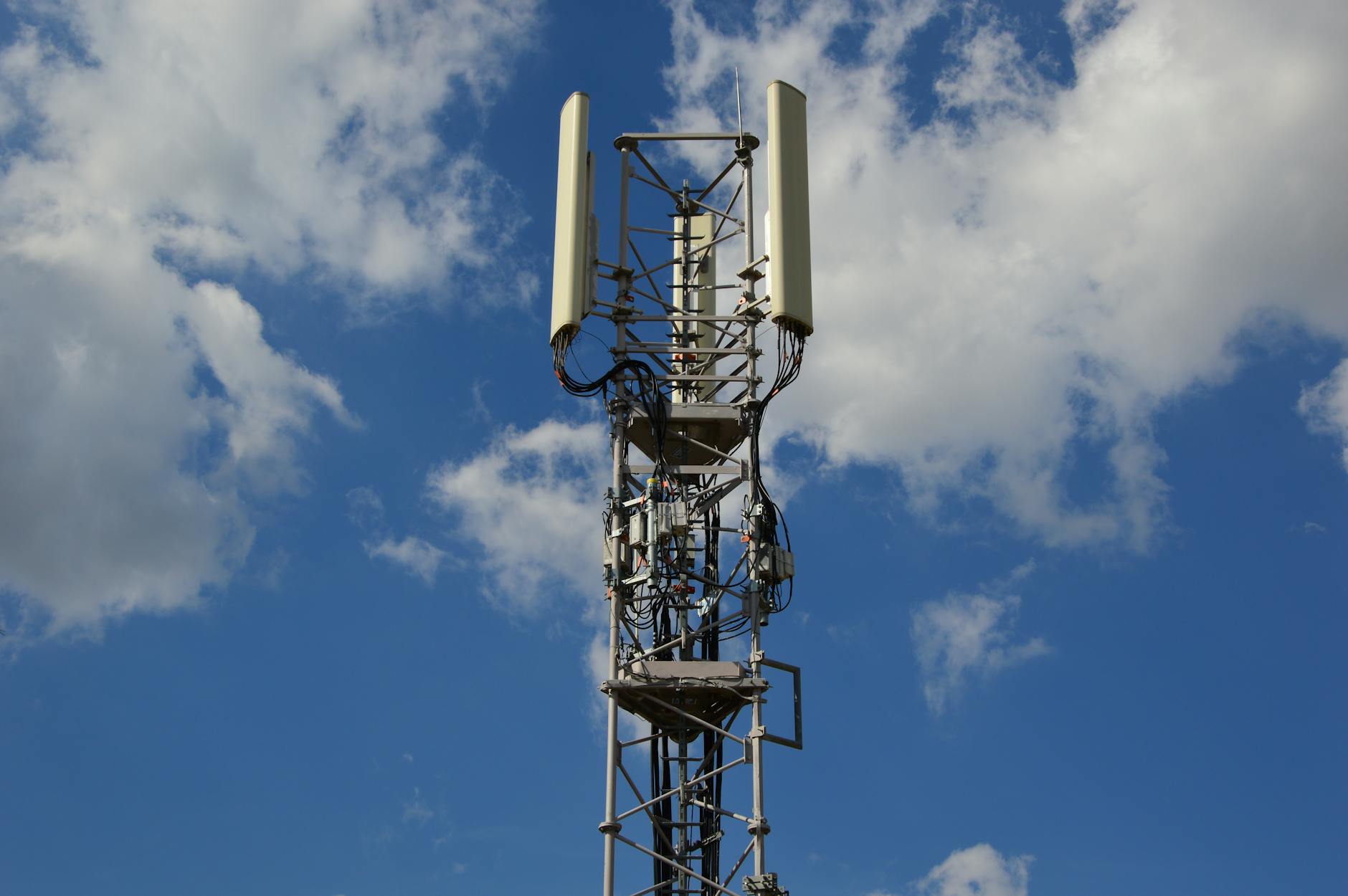
Fixed wireless internet has emerged as a legitimate alternative for Boston renters who cannot access cable or fiber service at their specific address. T Mobile and Verizon both offer home internet plans that use their 5G networks to deliver internet without any physical cable installation. Speeds vary based on network congestion and your distance from cell towers, but many Boston customers report consistent download speeds between 100 Mbps and 300 Mbps.
This option works particularly well in areas where wired infrastructure is limited, and the month to month contracts make it attractive for renters who move frequently or are uncertain about their long term plans.
Internet Speeds You Actually Need in a Boston Apartment
A common mistake Boston renters make is paying for more internet speed than they actually need, or conversely, selecting a plan that cannot support their actual usage. Here is a practical breakdown of recommended speeds based on common use cases.
- Basic browsing and streaming standard definition video: 25 Mbps download
- Working from home with video conferencing: 100 Mbps download with at least 20 Mbps upload
- Multiple roommates streaming 4K content simultaneously: 300 to 500 Mbps download
- Heavy gaming, content creation, and large file transfers: 500 Mbps to 1 Gbps with symmetrical upload speeds
- Smart home devices and multiple connected gadgets: Add an additional 25 to 50 Mbps buffer to any plan
Boston apartments with multiple roommates sharing a connection should always plan for combined usage rather than just individual needs. A two bedroom apartment in Fenway or Allston with three or four roommates can easily need 500 Mbps or more during peak evening hours.
Boston Neighborhoods and Their Internet Provider Options
Internet availability in Boston varies considerably by neighborhood and even by individual building. The following overview gives you a starting point for understanding what to expect in different parts of the city.
Seaport and South Boston Waterfront
The Seaport District is home to many of Boston’s newest residential developments, and as a result, most buildings here are wired for multiple providers including Xfinity, Verizon Fios, and in some cases dedicated enterprise fiber connections through providers like Starry or Pilot Fiber. Renters in Seaport generally have the best selection of high speed options anywhere in the city.
Back Bay and Beacon Hill
These historic neighborhoods feature stunning brownstones and classic Boston architecture, but the older building stock can present challenges for internet installation. Xfinity is the most widely available provider, though coverage is generally strong. Some buildings have made upgrades that allow Fios connections, so it is always worth asking before you assume only one option is available.
Allston and Brighton
These neighborhoods are home to a large student population from Boston University, Boston College, and other nearby institutions. Both Xfinity and RCN serve much of this area, and competition between the two providers has historically kept prices somewhat lower here than in other parts of the city. Students and young professionals in Allston should compare both options carefully before committing.
Are You a Licensed MA Real Estate Agent?
List your Boston rentals and properties free on Homzora. Zero fees. Zero commissions. Direct leads sent to you.
East Boston and Charlestown
Both of these neighborhoods have seen substantial real estate investment and population growth in recent years, and internet infrastructure has largely kept pace. Verizon Fios has expanded aggressively into both areas, making fiber internet genuinely accessible for many renters. For current availability data and housing trends across these neighborhoods, the Boston Housing Data resource provides detailed insights that help renters and buyers make informed decisions.
Dorchester and Roxbury
These neighborhoods offer some of the most affordable rental prices in Boston, and internet coverage from Xfinity is generally solid throughout most of the area. Fixed wireless options from T Mobile and Verizon have also become increasingly popular here as affordable alternatives, particularly for residents on tighter budgets.
Understanding Lease Agreements and Internet Service Rights
Before signing a lease on any Boston apartment, it is important to understand what your agreement says about internet service. Some landlords include internet as part of a bundled utilities package, while others leave it entirely to the tenant. There are also situations where a building has an exclusive contract with a single provider, limiting your choices regardless of what other providers serve the neighborhood.
Budgeting for Internet as Part of Your Boston Apartment Costs
Internet service in Boston typically costs between $40 and $120 per month depending on the provider, speed tier, and any bundled services. When you are calculating the true cost of a Boston apartment, always factor in internet alongside rent, utilities, parking, and other recurring expenses.
Additionally, your credit score plays a major role in determining the mortgage rates and even the rental applications you qualify for. Using a credit monitoring service like SmartCredit allows you to track your credit health, identify opportunities to improve your score, and prepare for major financial decisions like purchasing a Boston area home. A better credit score means better terms on mortgages, and in a competitive real estate market like Boston, every advantage matters.
Tips for Getting the Best Internet Deal in a Boston Apartment
Boston renters have more negotiating power than many people realize when it comes to internet service. Use the following strategies to get the best possible deal.
- Always call the provider directly rather than signing up online, as phone representatives often have access to promotional rates not advertised publicly
- Ask your landlord whether they have a bulk service agreement with any provider, which can sometimes result in lower rates for all tenants in the building
- Compare at least two providers before committing, even if you assume one is clearly better, as promotional pricing changes frequently
- Negotiate a price lock guarantee so your monthly rate does not increase after the first year
- Inquire about installation fees and equipment rental costs, as these can add significant amounts to your first year total
- Check whether the provider offers any low income assistance programs, as both Xfinity and Verizon participate in federal programs that can substantially reduce monthly costs for qualifying renters
Internet Considerations for Boston Homeowners
If you are transitioning from renting to owning property in Boston, internet planning takes on a slightly different character. As a homeowner, you have the freedom to choose any provider available at your address and even make infrastructure upgrades that improve connectivity long term. Many Boston homeowners choose to run ethernet cable throughout their homes rather than relying entirely on WiFi, and some invest in whole home mesh networking systems for consistent coverage across multiple floors.
What to Ask Before You Sign a Boston Apartment Lease
When touring apartments in Boston, most renters remember to ask about parking, pet policies, and laundry facilities, but internet related questions are equally important. Here is a practical checklist to bring to your next apartment showing.
- Which internet providers currently serve this specific building and address
- Whether the building has an exclusive provider contract or if residents can choose freely
- Whether there is existing coaxial cable or fiber wiring already installed in the unit
- Whether the landlord includes internet in any utility bundle or lease package
- Whether there are any restrictions on installing additional networking equipment such as routers or signal extenders
- Whether the building has shared or dedicated internet connections for individual units
Getting clear answers to these questions before signing a lease ensures you are not caught off guard after moving in. The last thing any Boston renter needs is to discover that their only internet option is slow, expensive, or unavailable at move in time.
The Future of Boston Apartment Connectivity
Boston continues to invest in expanding its digital infrastructure, and the city has made meaningful progress toward ensuring that all residents have access to high speed internet regardless of neighborhood or income level. Municipal broadband initiatives, expanded 5G coverage, and continued fiber buildout by major providers all point toward a more connected Boston in the years ahead.
For renters and buyers navigating this landscape, staying informed about both housing market conditions and connectivity options is essential. The intersection of real estate value and internet access is becoming increasingly direct, with well connected neighborhoods commanding premium rents and property values that reflect the modern demand for digital infrastructure.
Start Your Boston Apartment Search the Smart Way
Choosing the right Boston apartment in 2026 means evaluating every factor that affects your daily quality of life, and internet access is firmly on that list. From Verizon Fios fiber in East Boston to Xfinity cable in Beacon Hill, understanding your provider options before you move gives you a meaningful advantage in both negotiations and long term satisfaction with your home.
Whether you are renting your first Boston apartment, upgrading to a larger space, or exploring the path toward homeownership in the Greater Boston area, having accurate and current information makes every decision easier. Visit Homzora today to explore listings, neighborhood guides, market data, and expert resources designed specifically for Boston renters and buyers. The right home with the right connection is waiting for you, and Homzora is here to help you find it.
Stay Ahead of the Boston Market
Monthly insights on Boston rents, home tips, and investment opportunities delivered free to your inbox.
Related Boston Housing Resources